
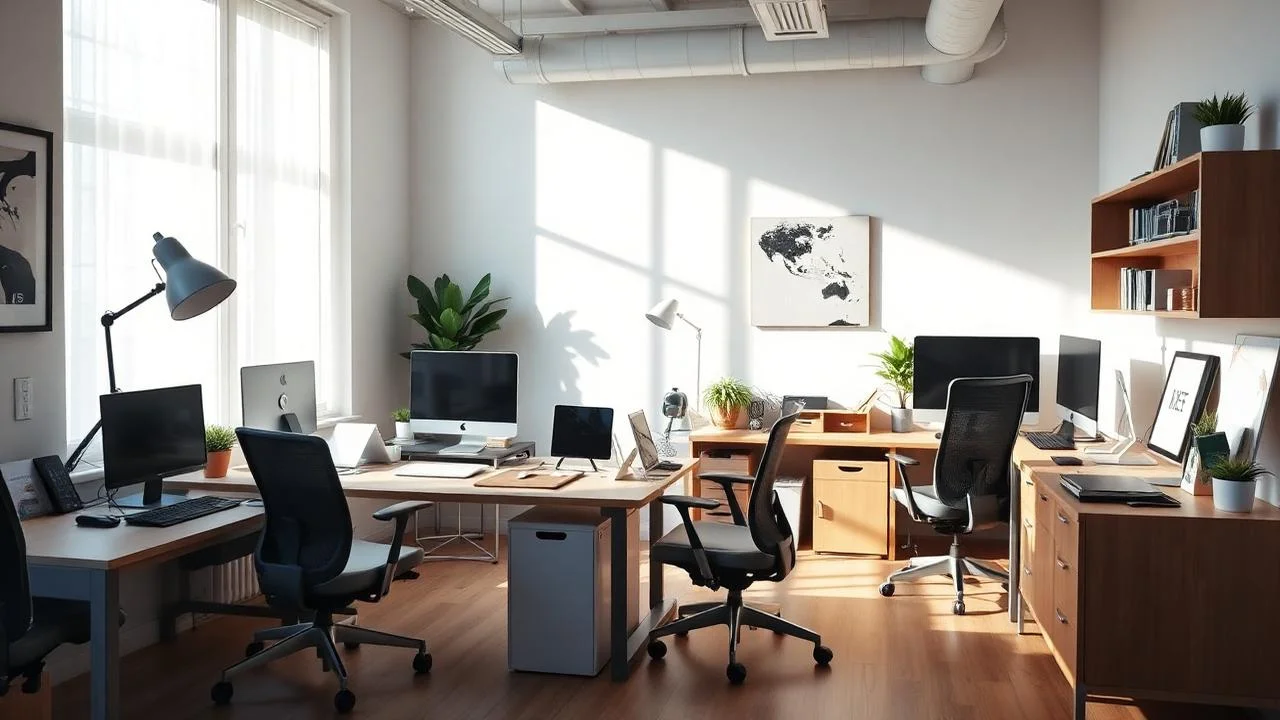
The Remote Work Revolution – Home Office Design
With remote and hybrid work becoming permanent for millions, dedicated home office spaces are no longer luxuries but necessities for productivity and work-life separation.
Choosing the Right Location
Dedicated Rooms
Spare bedrooms or bonus rooms offer privacy, dedicated space, and professional backgrounds for video calls. Doors provide sound isolation and mental separation.
Converted Spaces
Closets, corners of bedrooms, or dining room areas can work when square footage is limited. Use screens or bookcases to define workspace visually.
Location Considerations
- Natural light availability
- Proximity to household noise
- Adequate electrical outlets
- Internet connectivity strength
- Temperature control capability
Essential Ergonomic Elements
Quality Desk Chair
Invest $300-$800 in an adjustable chair with lumbar support. Your chair affects comfort, posture, and long-term health during 40+ hour work weeks.
Proper Desk Height
Standard 29-30 inch desks work for most people. Standing desks or adjustable-height options promote movement and reduce sedentary time.
Monitor Positioning
Top of screen should be at or slightly below eye level, 20-30 inches away. Use monitor arms for flexibility and to free desk space.
Keyboard and Mouse
Position keyboard and mouse to keep wrists straight and shoulders relaxed. Ergonomic keyboards and vertical mice reduce strain injuries.
Optimal Lighting Design
Natural Light
Position desks perpendicular to windows to minimize screen glare while benefiting from daylight. Use adjustable blinds to control intensity throughout the day.
Task Lighting
Desk lamps with adjustable arms and color temperature provide focused light for detailed work without straining eyes.
Ambient Lighting
Ceiling lights or floor lamps create overall room illumination. Dimmable options allow adjustment based on time of day and natural light availability.
Technology Integration
Strong Internet Connection
Hardwire connection for reliability or ensure strong WiFi signal. Upgrade routers if needed and consider mesh systems for larger homes.
Cable Management
Use cable trays, clips, and sleeves to organize power and data cables. Clean appearance reduces visual clutter and improves focus.
Quality Webcam and Microphone
Professional-grade equipment enhances video call quality. Good lighting and camera positioning are equally important for virtual presence.
Backup Power
Uninterruptible power supplies (UPS) protect equipment and prevent data loss during outages. Essential for areas with unreliable electricity.
Storage and Organization
Filing Systems
Vertical files, drawer units, or wall-mounted organizers keep documents accessible but contained. Go digital when possible to minimize paper clutter.
Supply Storage
Desk drawers, caddies, or small cabinets organize office supplies. Keep frequently used items within arm’s reach.
Book and Reference Materials
Shelving displays reference books while keeping them accessible. Closed cabinets hide items you need less frequently.
Creating Professional Backgrounds
Consider video call appearance when arranging space. Position camera to show clean, professional backgrounds. Avoid windows behind you causing backlighting issues.
Acoustic Considerations
- Soft furnishings absorb sound (rugs, curtains, upholstered furniture)
- Acoustic panels control echo in hard-surface rooms
- White noise machines mask household sounds
- Door sweeps and weatherstripping reduce sound transmission
Personalization and Motivation
Incorporate artwork, plants, or personal items that inspire without cluttering. Balance professional appearance with elements that boost mood and creativity.
Budget Guidelines
Basic Setup ($500-$1,500)
- Simple desk and basic chair
- LED desk lamp
- Basic storage solutions
- Essential technology accessories
Professional Setup ($1,500-$5,000)
- Quality ergonomic chair
- Adjustable or standing desk
- Multiple monitors and arms
- Professional lighting
- Built-in or custom storage
Premium Setup ($5,000+)
- Custom built-ins and cabinetry
- Designer furniture
- High-end technology
- Soundproofing improvements
- Professional décor and finishes